
This post was originally published on this site.
Have you ever tried to reach the end of your feed on Facebook, Instagram, or Bluesky? You probably couldn’t, since those platforms don’t really have an “end.” Instead, they use infinite scroll, a design feature that enables users to just keep flicking their finger upwards to explore seemingly endless content.
Increasingly, ecommerce sites are borrowing this technique to display large catalogs of products without requiring page clicks. This can lead to longer browsing sessions, more product discovery, and, ultimately, more opportunities for sales as users navigate your site more seamlessly.
Let’s explore what infinite scroll is, its pros and cons for ecommerce, best practices for using it effectively, and how Shopify merchants can add it to their stores.
What is infinite scroll?
Infinite scroll is a web design technique where new content loads automatically as a user reaches the bottom of a page. Also called continuous scrolling, it eliminates the need for a Next Page, Previous Page, or Load More button and for a traditional pagination design where users click on a page number to jump forward or back between discrete pages.
Many social media platforms, ecommerce sites, and blogs use this approach to keep users engaged and reduce friction in browsing. Even some news sites now continuously load content when a user scrolls to the bottom of the page. By minimizing clicks and continuously presenting fresh content or products, infinite scroll can create a smoother, more immersive user experience (UX).
Pros and cons of infinite scroll
Should you enable infinite scrolling on your website? There are compelling reasons to do so, but also several drawbacks to weigh. For ecommerce in particular, infinite scroll can increase product discovery and time on site, yet it may also frustrate goal-oriented shoppers or create technical issues. Here are some pros and cons to consider before deciding whether to keep content loading automatically on your site:
Pros
- Seamless user experience. Infinite scroll helps users access more content by allowing them to simply scroll instead of clicking through multiple pages. This design is well suited to social media sites and apps like Instagram, X, and Pinterest, where a continuous content stream keeps mobile users engaged and increases time spent on the site.
- Mobile-friendly function. Since the small screens on mobile devices make tapping page numbers tricky, infinite scroll creates a user-friendly experience by displaying new content automatically. This can help mobile users encounter content they might have otherwise missed with traditional pagination.
- Encourages discovery. By instantly loading additional content, infinite scroll can expose users to more products or posts than they might otherwise seek out. This may prove useful for ecommerce when the shopper doesn’t have a specific item in mind.
Cons
- Technical and performance issues. An infinite scrolling design can negatively impact performance, as constant loading can drain more data—a significant issue for users with limited data plans. It can also hinder search engine crawlers, which may not be able to access all the content on the page. Tools like Google Analytics may also have trouble tracking engagement if no new pages load.
- Navigation issues. Without page numbers, users may lose track of where they left off, and the back button in the browser may not function as expected. It can also be harder for users to return to a specific product or piece of content, and important elements like customer support links, shipping policies, or newsletter sign-ups may be difficult to reach if the page never ends.
- Accessibility issues. Visitors who rely on screen readers may find it difficult to navigate an infinitely scrolling feed. In some cases, traditional pagination functions better on these users’ devices.
- Potential for irrelevant content. Because infinite scroll automatically pushes more content forward, users may encounter content that feels irrelevant or endless. This can negatively impact their experience, promoting frustration and leading to decision paralysis, particularly when they have a specific goal in mind. Traditional pagination provides natural breaks that some users prefer.
Best practices for using infinite scroll
While infinite scroll is popular, it’s not a one-size-fits-all solution. To use it effectively, follow these best practices to ensure a positive user experience:
Know when to use it
Infinite scroll works best when users are browsing or discovering content, such as in image galleries or product collections. Tools like Google Analytics can help you determine whether you’re yielding the results you want from implementing it. Avoid using it on web pages where users are trying to accomplish something concrete, such as account settings or an ecommerce checkoutpage.
Give the user some control
A continuous feed removes the need for multiple pages, but adding navigation aids (like a sticky Back to Top button or a Load More option) helps users move around with ease.
Optimize for search results
The lack of new pages can make it difficult for search engines to index your content. Counter this by using clean URLs (simple, descriptive web addresses). Also, submit your sitemap to Google so crawlers can see the different sections of your website.
Be mindful of data usage
Continuous loading consumes more data, which can frustrate users with limited data plans or slow internet connections. Keep your design lightweight and optimized for performance.
Optimize for mobile
What works on a desktop may not translate smoothly to smaller screens. Before launch, test your infinite scroll on different devices and operating systems, measure performance with tools like Google PageSpeed Insights, and run basic user tests to make sure the experience doesn’t hurt usability, load times, or conversions.
Consider hybrid approaches
Some sites use infinite scroll up to a point and then switch to a Load More button. This can combine seamless browsing with better navigation and accessibility.
Examples of ecommerce websites with infinite scroll
Infinite scroll can be a great option for ecommerce websites, as it can boost time spent on the page and introduce shoppers to products they might not have otherwise discovered. Here are three brands that use infinite scroll effectively.
Allbirds
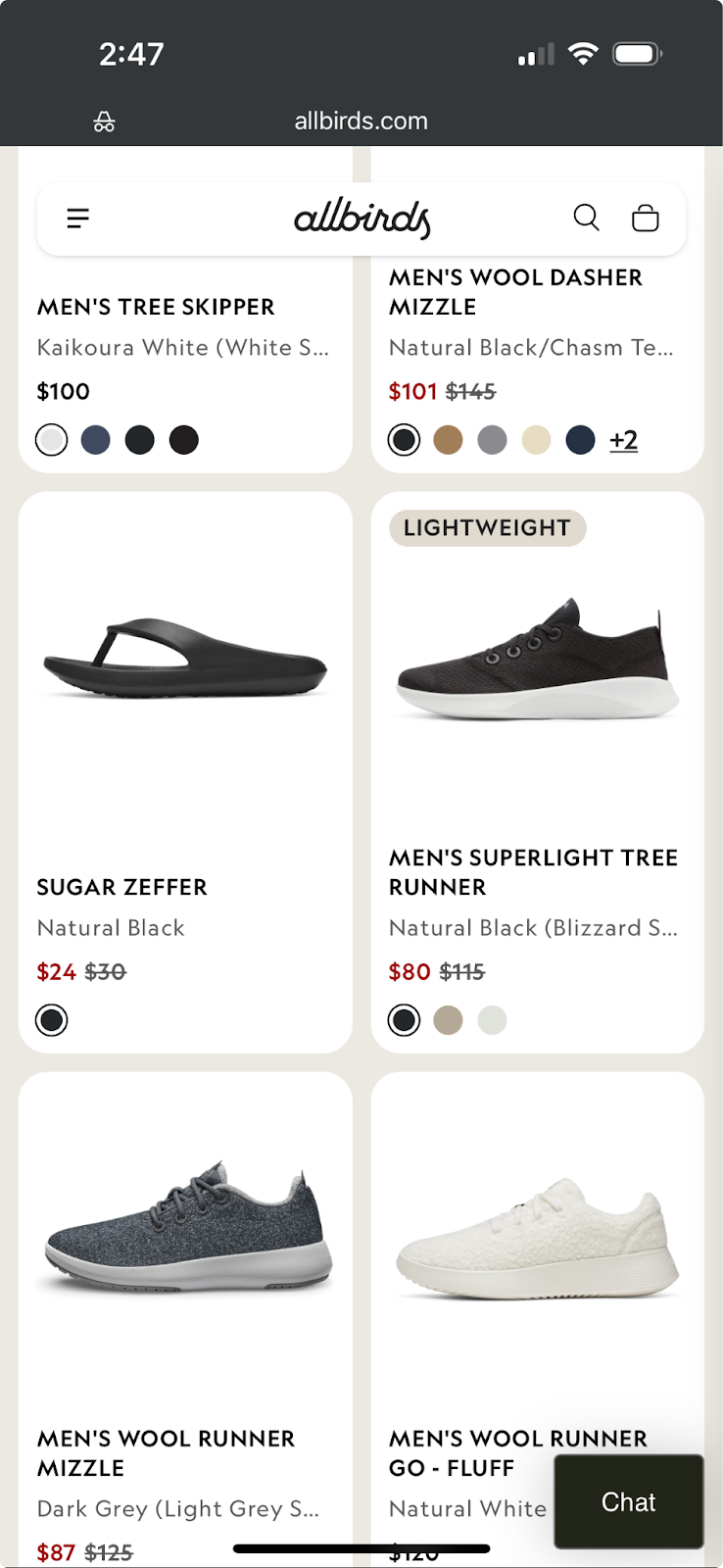
The sustainable footwear brand Allbirds uses infinite scroll on some product collection pages, creating a clean, uncluttered browsing experience. This makes it easy for shoppers to see all available shoe styles in one continuous feed without clicking through multiple pages.
Goodee
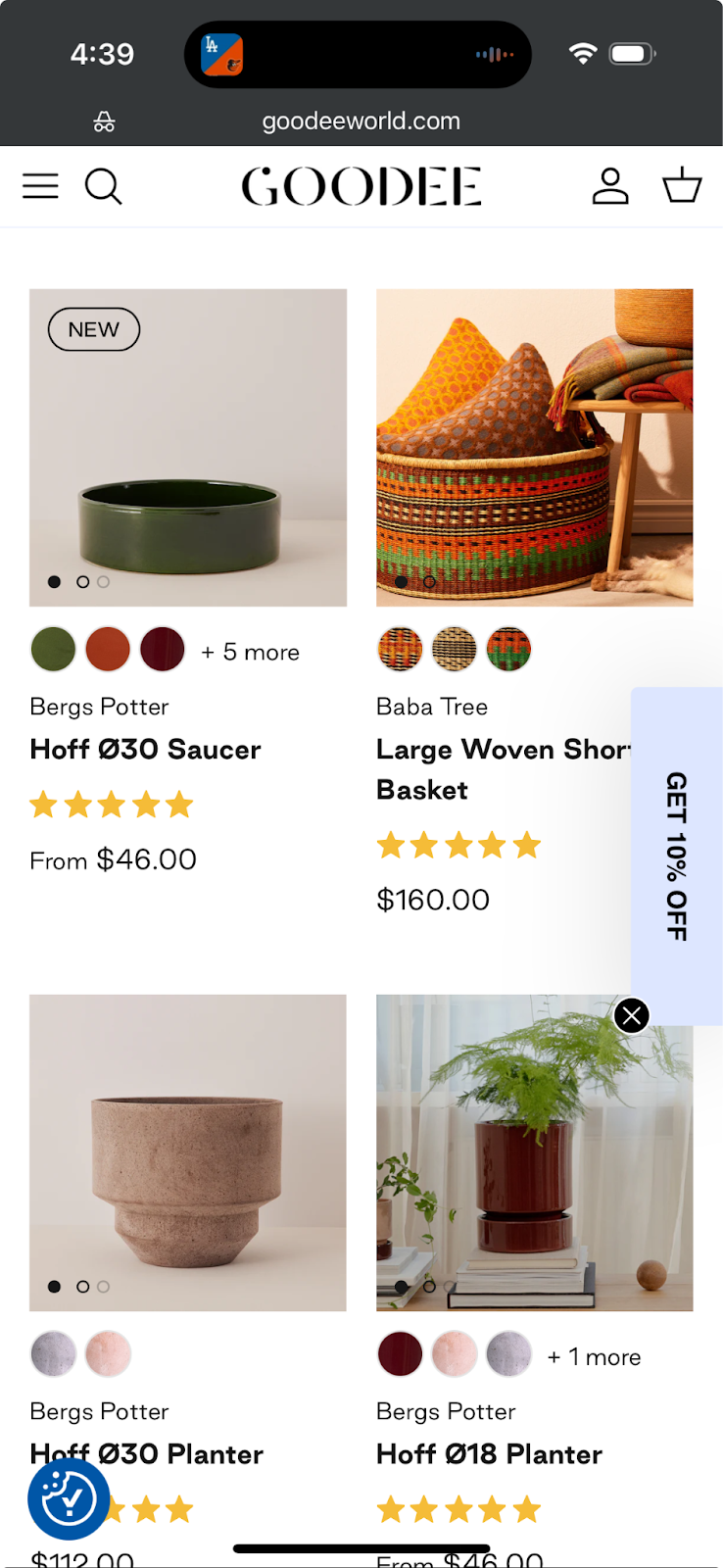
A home décor brand committed to fair trade and ethical practices, Goodee uses infinite scroll to showcase its large catalog. By continuously loading hundreds of items, Goodee makes browsing easy and encourages exploration.
Pela
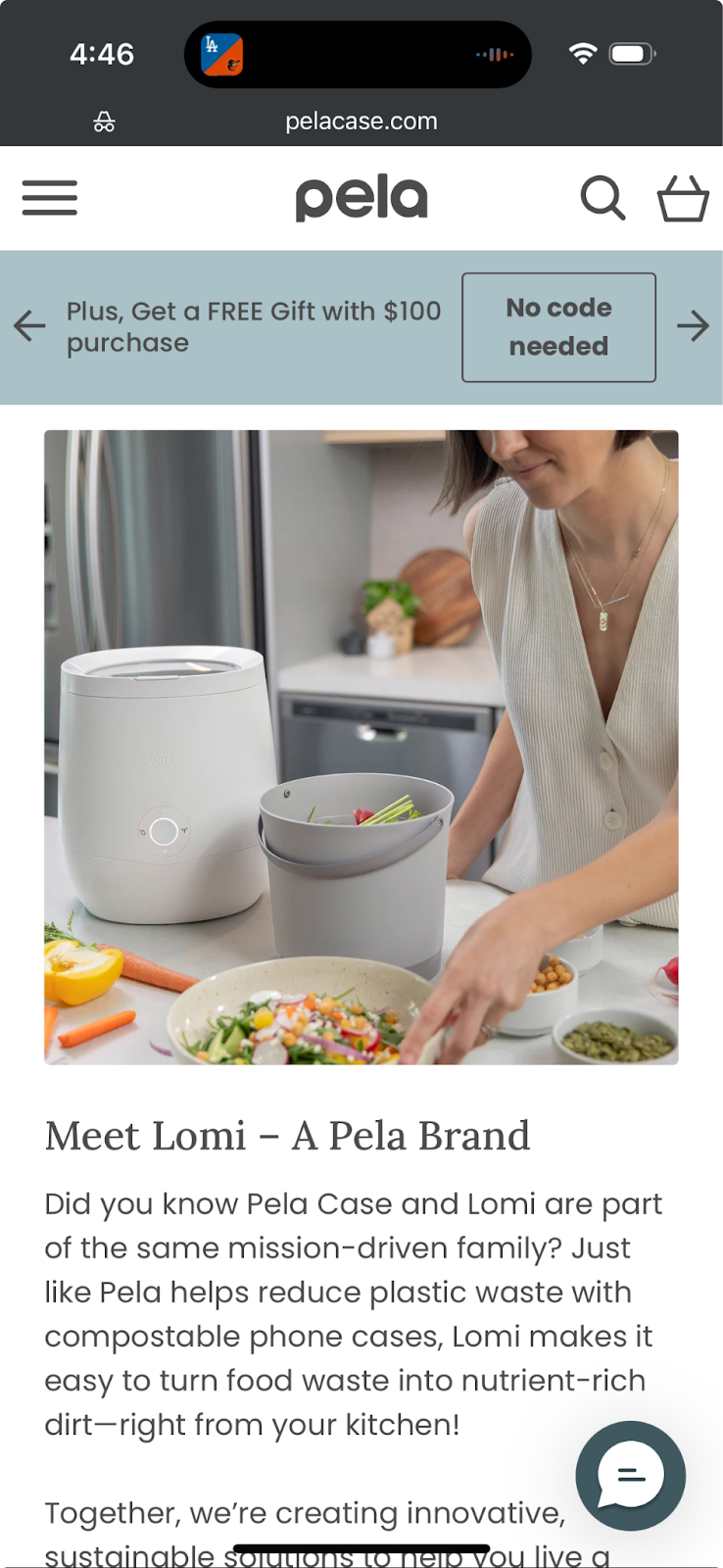
The environmentally friendly phone case and accessories brand Pela features an infinite scroll on its homepage. As visitors scroll, they encounter product listings, blog posts, and social media links before reaching content about the company’s ownership and mission.
How to add infinite scroll on Shopify
If you use Shopify for your ecommerce needs, you can implement infinite scroll through certain themes. Shopify’s AI store builder allows you to explore different theme options, some of which (Be Yours and Palo Alto, for example) include infinite scrolling as a built-in feature.
If your preferred theme doesn’t include infinite scroll as an integrated feature, Shopify’s App Store offers multiple apps that allow you to integrate the functionality into your site. Examples include Scroll Freely and Scrollify. You can also add the feature using custom code.
You don’t need to include infinite scrolling to position your online store for success. However, leveraging this popular display format may help you showcase more products to shoppers, which can improve your chances of customer conversions.
Infinite scroll FAQ
How do I make an infinite scroll website?
On Shopify, you can add infinite scroll through themes that support it, apps from the Shopify App Store, or custom development. Shopify’s AI store builder can help you explore theme options and design a store with the features you want.
On which types of websites is infinite scrolling commonly used?
Infinite scrolling is very common on social media platforms and apps. It’s also become a popular feature on ecommerce sites, since a continuous scroll can expose shoppers to a larger selection of merchandise. It works best when browsing and discovery is the goal rather than completing a specific task.
Is infinite scroll accessible?
Infinite scroll can create challenges for users who rely on screen readers or keyboard navigation. Keyboard-only users might be able to keep hitting the down arrow, but this is obviously a less seamless experience than scrolling with your fingers.
However, you can improve accessibility by including permalinks to each entry (i.e., a link to each ecommerce item so that users don’t have to go through the full feed to find that item) and adding Load More buttons and sticky navigation tools.